Wireless Intraoral Scanner Workflow: Battery Management, Ergonomics, and Procurement Guide
How dental practices evaluate wireless intraoral scanner workflow — WiFi vs proprietary 5GHz radio architectures, battery life and hot-swap considerations, wand weight and ergonomics, signal reliability, sterilization handling, wired vs wireless tier pricing, and practical procurement guidance for multi-chair and single-chair practice contexts.
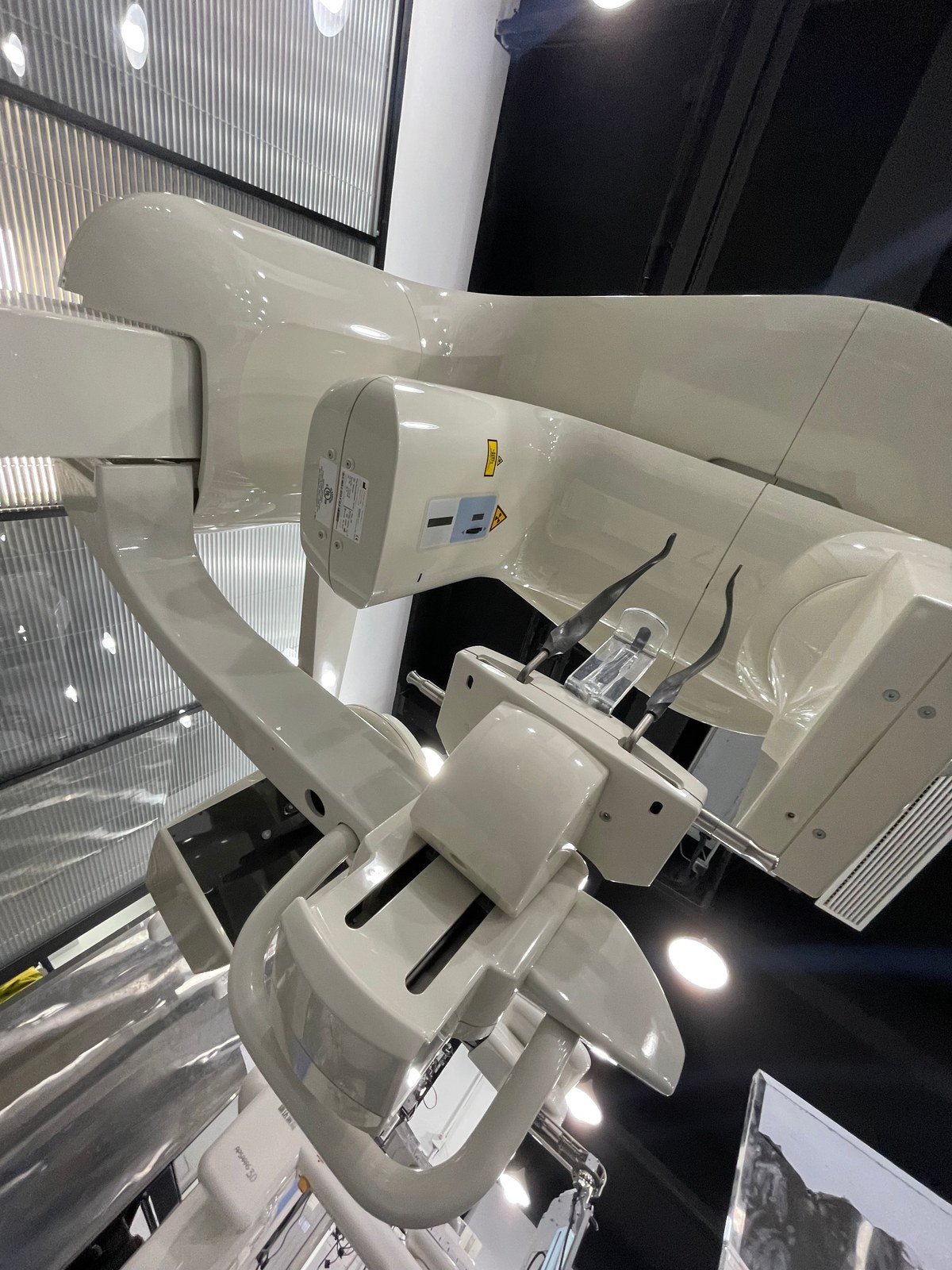
Wireless intraoral scanners — IOS units that communicate with the processing workstation via WiFi or proprietary 5GHz radio rather than wired USB connection — have expanded substantially in the dental market since 2022. Wireless operation addresses real chairside workflow frustrations: cable drag on operator wrist, cable sterility concerns, awkward wand positioning in posterior quadrants. But wireless IOS introduces its own considerations — battery management, latency, and signal reliability — that don’t exist with wired units. This guide walks through wireless IOS selection, workflow implications, and whether wireless is the right choice for your practice.
Why wireless IOS exists
Intraoral scanning is an ergonomically demanding task. The scanner wand moves through multiple positions and orientations per scan, and for 20–45 seconds the operator maintains fine motor control while navigating through posterior and retromolar regions. Wired IOS cables create three friction points:
- Cable drag on wrist: even lightweight cables add perceptible drag on operator wrist during fine scan movements. Accumulated over 20+ scans per week, this contributes to operator wrist fatigue and musculoskeletal discomfort.
- Posterior access awkwardness: scanning distal second molar buccal or lingual surfaces requires wand angulations where cable direction constrains free movement
- Sterility handling: cable runs from wand to computer must be draped or managed to avoid contamination; adds operator cognitive load and supply cost (cable sleeves)
Wireless IOS addresses these friction points directly. The tradeoffs are analyzed below.
Wireless IOS technology approaches
Two dominant wireless architectures exist:
- Standard WiFi 5 / WiFi 6: scanner wand contains WiFi radio, transmits scan data packets to receiver connected to processing computer. Uses standard 2.4GHz or 5GHz bands. Advantage: interoperable with standard network infrastructure. Disadvantage: susceptible to interference in dense WiFi environments, potentially higher latency.
- Proprietary 5GHz radio: scanner wand uses dedicated radio protocol on licensed or license-exempt bands, not standard WiFi. Dedicated receiver unit connected to processing computer. Advantage: lower latency, more predictable performance, less interference susceptibility. Disadvantage: proprietary ecosystem, additional hardware required.
In clinical operation both approaches deliver scan transmission performance adequate for real-time scanning. Latency differences of 50–150ms are generally imperceptible to operator in practice.
Battery management considerations
Wireless scanner battery life is a material operational consideration:
- Typical wireless IOS battery life: 60–180 minutes continuous scan use per charge
- Hot-swap battery capability: premium wireless IOS designs use hot-swappable battery packs, allowing continuous clinical use with spare battery in charger. Lower-tier wireless IOS uses integrated battery requiring charge pause.
- Charging approach: USB-C charging at wand base, or dedicated charging cradle
- Clinical reality: 60–90 minutes of actual scanning per day is typical even at busy practices. Most wireless IOS battery life comfortably handles typical clinical day with overnight charging.
- High-volume practice consideration: practices doing 20+ scans per day should specifically verify battery life under continuous use; hot-swap battery architecture preferred
Weight and ergonomics of wireless wands
Wireless scanners are typically slightly heavier than wired equivalents due to integrated battery:
- Wired IOS wand: 220–320 grams typical
- Wireless IOS wand: 280–400 grams typical (60–80g additional for battery and radio)
For short scans (single crown prep impression), weight difference is imperceptible. For full-mouth orthodontic scans running 4–6 minutes, additional weight adds noticeable operator fatigue. This is one of the reasons wireless IOS adoption is stronger in restorative-focused practice and weaker in high-volume orthodontic practice.
Signal reliability and scan robustness
- Signal drop recovery: modern wireless IOS handles brief signal dropouts (100–500ms) transparently with onboard wand buffering. Longer dropouts require scan pause.
- Dense WiFi environments: hospital or dense office building environments with many competing WiFi signals may experience occasional interference. Proprietary 5GHz architectures less affected.
- Physical obstructions: scanner wand to receiver must maintain reasonable line of sight; heavy walls or metal obstructions between wand and receiver degrade signal
- Scan buffering: premium wireless IOS buffer scan data locally on wand and transmit to computer asynchronously; lower-tier wireless IOS requires continuous real-time streaming
Wireless IOS sterilization
Sterilization handling of wireless IOS:
- Autoclavable tip: same tip architecture as wired — reusable, autoclave-compatible scanner tip
- Wand body disinfection: surface wipe-down between patients; many wireless IOS use sealed wand housing specifically designed for disinfectant wipe tolerance
- Battery handling: hot-swap batteries can be disinfected or held in sterile barrier; integrated batteries require careful wand surface handling
- Intraoral sheath: disposable barrier sleeves available for some wireless IOS for enhanced infection control
Wireless IOS pricing relative to wired
Wireless capability typically carries USD 1,500–4,000 FOB Shanghai premium over wired equivalent at same scan accuracy tier:
- Tier 1 entry wired: USD 5,500–8,500 FOB
- Tier 1 entry wireless: USD 7,500–11,000 FOB
- Tier 2 mid wired: USD 10,500–16,000 FOB
- Tier 2 mid wireless: USD 12,500–19,000 FOB
Whether the wireless premium is worth it depends on practice workflow value assigned to the ergonomic benefits.
When wireless IOS makes sense
- Multi-chair practice with shared IOS: wireless wand moves freely between operatories without cable management; receiver at each chair location
- Operator-sensitive to cable ergonomics: operators with wrist musculoskeletal concerns, or high daily scan volume
- Posterior-heavy case mix: restorative-focused practices with frequent distal molar scanning
- Chairside case acceptance emphasis: wireless wand positioned comfortably for patient-facing case visualization
- Sterilization protocol priority: practices where cable handling creates repeated sterility concerns
When wired IOS remains the better choice
- Single-chair practice: cable management is trivial, ergonomic benefit minimal vs. price premium
- Orthodontic-heavy practice: long full-arch scans amplify battery and weight considerations; wired simpler
- Dense WiFi environment: hospital or high-density office where interference is a real operational risk
- Budget-constrained adoption: entering digital workflow at all is more important than wired vs. wireless; wired typically USD 1,500–3,500 cheaper
- Research or publication workflow: wired eliminates wireless transmission as a potential variable in scan reproducibility
Workflow integration considerations
- Computer and WiFi infrastructure: wireless IOS requires workstation computer at each operatory or shared mobile cart with WiFi range coverage
- Charging station: dedicated charging location central to clinic, or at each operatory
- Spare battery inventory: 1–2 spare batteries per scanner for hot-swap operation
- Network configuration: dedicated SSID for IOS traffic avoids patient/staff WiFi interference; some proprietary 5GHz wireless IOS uses private band avoiding this
- Firmware updates: wireless wand firmware updates via charging cradle or dedicated update cable
Commissioning and training differences
- Initial WiFi pairing: wireless IOS requires initial pairing to clinic network (or receiver) during commissioning — trivial for IT-comfortable staff but can confuse operators without IT background
- Signal troubleshooting training: operators need awareness of signal indicators and basic troubleshooting (relocate wand closer to receiver, check battery, restart pair)
- Battery charge discipline: clinical workflow habit of returning wand to charger between patients; training dental assistants on charge management
- Standard scan technique: identical between wired and wireless; no retraining needed on scan mechanics
Second-generation wireless considerations
Wireless IOS market matured significantly between 2020 and 2026 generations. Second-generation wireless IOS (released 2023 onward) addressed most first-generation issues:
- Battery life approximately doubled vs. 2020-era wireless
- Weight reduced by 15–25% through battery and radio miniaturization
- Signal reliability substantially improved through protocol maturation
- Hot-swap battery architectures widely available
- Sterilization design matured for wand body wipe-down
If evaluating wireless IOS with published performance data from 2020–2021, verify that current-generation products are what’s actually being offered. Older designs still circulating may have inferior battery and weight characteristics.
Practical procurement guidance
- Sample evaluation with full-day workflow: battery life and wireless reliability issues only surface under realistic clinical load, not short demo scans
- Verify hot-swap battery architecture if practice does 15+ scans per day
- Confirm firmware update pathway — wireless IOS requires more software/firmware management than wired
- Budget spare batteries into initial purchase (USD 80–200 per spare)
- Verify infrastructure compatibility: practice WiFi bandwidth, radio environment, computer specifications
- Check warranty coverage of battery — batteries are consumable, some warranties exclude them entirely
Evaluating wireless IOS for your practice?
WhatsApp us with your practice workflow context (chair count, daily scan volume, primary case mix, existing WiFi environment), destination country, and budget. We’ll propose wireless IOS options matched to your workflow, discuss specific battery and signal reliability considerations, arrange sample evaluation, and quote FOB Shanghai pricing with landed cost analysis.
Chat on WhatsApp →Have a specific unit in mind?
Tell us which model you want and your destination port — we'll quote FOB or CIF with a video demo of the actual unit in our warehouse.